This is a writeup in regards to my two social media threads on IR photos I have taken over the past weeks, Thread 1, Thread 2.
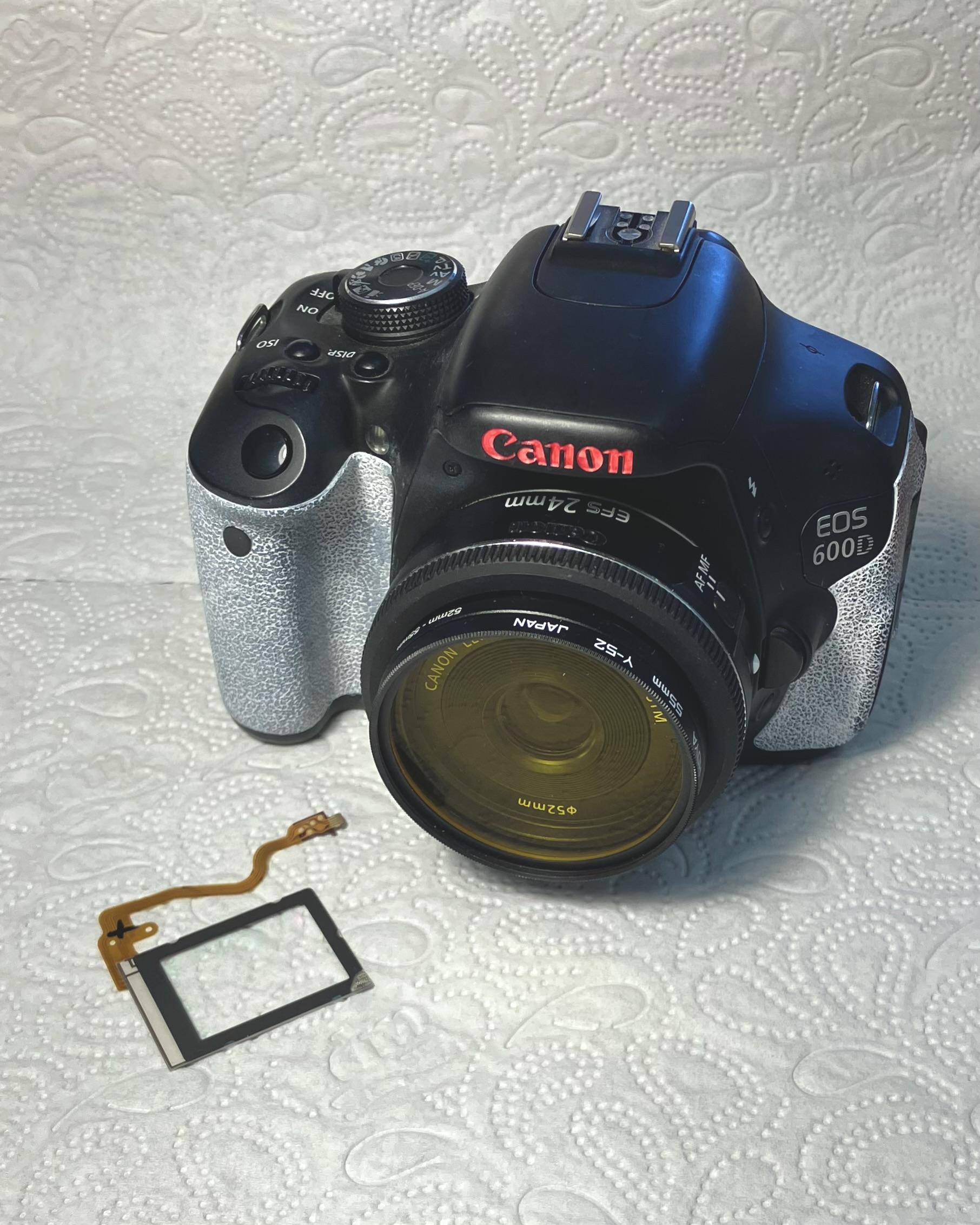
I have been wanting to convert a camera into an infrared or full spectrum camera for a while now. I love seeing the fluffy airy, eerie, almost otherworldly look of Kodaks Aerochrome film, I love seeing foliage glow in unseen colours, see what absorbs infrared and ultraviolet light, and what doesn't. And I just love playing with cameras and physics (as in, seeing 'full spectrum'). So, I recently set out modifying my old Canon EOS 600D (or EOS Kiss X5, or EOS REBEL T3i...). The EOS 600D was my first DSLR, not my first camera, that honour goes to a trendy (meaning shitty) Rollei Compactline 80, digital compact camera. While it is hilariously outdated, the Canon still somewhat performs. I really did not want to trash it, making it the perfect target for a full spectrum conversion.
I guess full spectrum conversion needs a word of explanation. When we are talking cameras, more specifically camera sensors, we are talking about a piece of silicon with an array of photosensitive pixels. The number of pixels denotes the pixel-count of the camera, for example 18 Megapixels or an array of 5,184 × 3,456 pixels with the EOS 600D. These pixels all are by default sensitive to light, light of any colour that is, typically starting at a wavelength of about 340nm (UV light), going up to a wavelength of 1100nm (IR light), being sensitive to anything in-between. In terms of a photographic camera, this is an issue, we typically want to capture an image of the world as we see it, with visible colours. Furthermore, we want to display the photo on a display technology that exists in the real world, a display that will put out red, green and blue colours, mixed to get a full-colour representation. This means, that we need to actually select which light hits the sensor to get colour information from the full spectrum travelling towards the camera. Since we cannot see IR or UV light, both are filtered out by default. Put in pin in that.
This still leaves us with the full visible range of light going towards the sensor, great for a monochromatic representation, bad for a colour photo. We still need to figure out a way for the sensor to differentiate between light of different colours and there are many options here. Earlier cameras used three sensors, a prism and three colour filters to get three differently filtered images, there were experiments with stacked silicon sensors, later on pixel-based were used, some with odd colours like cyan, magenta, yellow and green, some with red, green and blue arrangements. The latter, a RGB colour filter arranged in what we call a bayer pattern became very common. Modern sensors basically record a monochromatic array of pixel-values where every other value was filtered through a red, green or blue colour filter. In a process called de-bayer or de-mosaic this side by side arrangement is then brought into a full colour array, or a full colour photo.
Or in other words, a modern camera typically produces an image with three different colour channels, a red channel, a blue one and a green channel. These are brought together in a mathematical process called demosaic to create a coherent, real-colour image. You can also put a pin in this.
As mentioned earlier, there are IR and UV blocking filters in the camera, these need to be removed to use it as a full spectrum camera. For reasons explained later, we want to keep the bayer array (removing it would be much more complicated anyways...). I followed this set of very helpful instructions by Gary Honis for the filter removal: Canon EOS 600D Full Spectrum Conversion
There are not many words to be added here, the instructions are well written and didn't leave me with any open questions. One note though, I would recommend you to turn off the 'automatic sensor cleaning' in camera, as it becomes unavailable through this procedure and may cause an error to the thrown by the camera. The instructions call for the addition of a glass slab instead of a filter, while I would recommend that for keeping the sensor free of dust reasons, I did not do it myself.
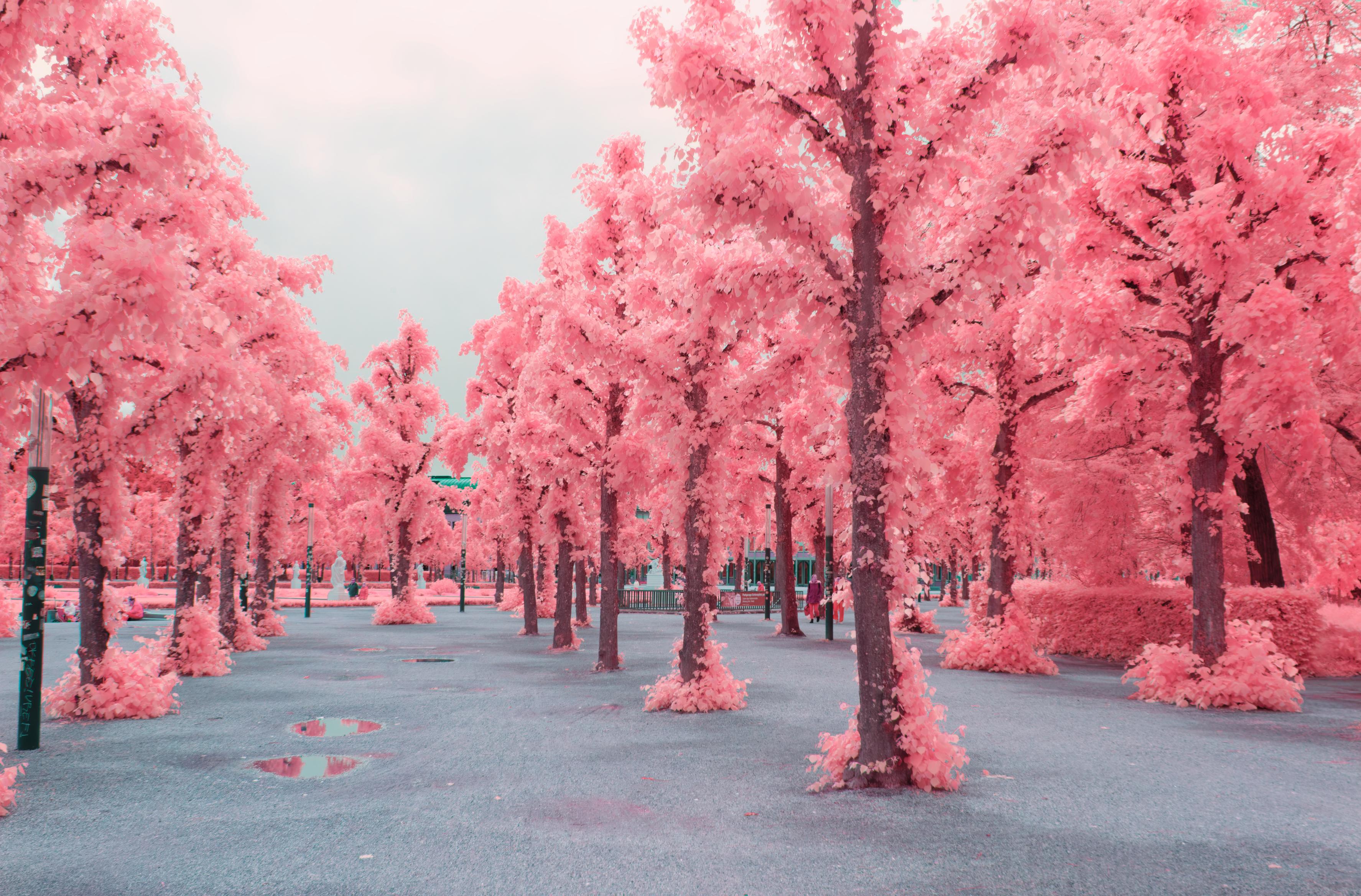
I opened this entry with talking about Kodaks Aerochrome, an older, discontinued colour infrared filmstock. It was mostly used in scientific context, e.g. to determine plant health from afar, but later on also in creative works due its vibrant discolouration of foliage in vibrant red and pink tones. Film-stocks of course weren't specifically limited by RGB representation on monitors, still they typically adhered to a three colour scheme for representation, incidentally also red, green and blue (and cyan, yellow and magenta in dye). This creates an issue, an issue we also have to face, where do we put the infrared light? We just have three channels for colour representation and they are already used for red, green and blue. What Kodak did is, they sacrificed a channel to use it for infrared light, specifically, the blue channel. This film had to be combined with a yellow filter on the lens, meaning a filter that cuts off everything beneath (or above, depending on how you tilt your head (saying this for the physicists...)) green light, leaving the blue channel unexposed. But since there was no IR filter on the filmstock itself, the blue channel still got exposed, just not with blue light, but infrared light! The red and green channel also got elevated by the infrared light, but that is okay for now. The basic light composition on the filmstock so became IR, green+IR and red+IR. Still three channels! When developing and printing this filmstock, typically all three channels where swapped around IR became red, red became green and green became blue, creating the false colour look that we are aiming for.
Coming back to our cameras red, green and blue channels. If we also use a yellow filter (or a 550nm lpf) on our camera with the IR (and UV) filter removed we get a similar result to what Kodak got with their Aerochrome film. Blue becomes IR, green becomes green+IR and red becomes red+IR! I will talk about editing these photos, doing the channel swap later on. If you want to read a bit more into Kodaks Aerochrome, I would love to refer you to analog.cafe's writeup: analog.cafe
There are also a few notes to be taken on how to take IR images and composition. First off, IR is wide outside of visible light, the visible light range starts at about 380nm to 750nm (these are typical numbers for human perception, your milage may vary), IR starts at 780nm, up to about 1mm wavelength!! Albeit, we only care for IR ranging from 780nm to about 1100nm, or 1.1µm, it is what our sensor can see. This still expands the light-range to be from 380nm to 1100nm, or with the yellow filter from approximately 550nm to 1100nm, broadening and shifting the range of light we have to focus onto the sensor plane. This in addition to the filters we have removed, which would add a phase delay to the light, means that our autofocus might just be inaccurate. Or even just fully off. On modern Canon cameras you can apparently re-calibrate this, not on my EOS 600D, I have to actively shift the focus a tiny bit by hand when using the phase-detect autofocus. The live-view, contrast detection autofocus still works as well as it always did, it is slow. Furthermore the light-meter in my camera cannot see the IR light, or if it can, it does not recognise it as being added to the sensor, resulting in over-exposure. I have to under-expose by about 1-2 stops.
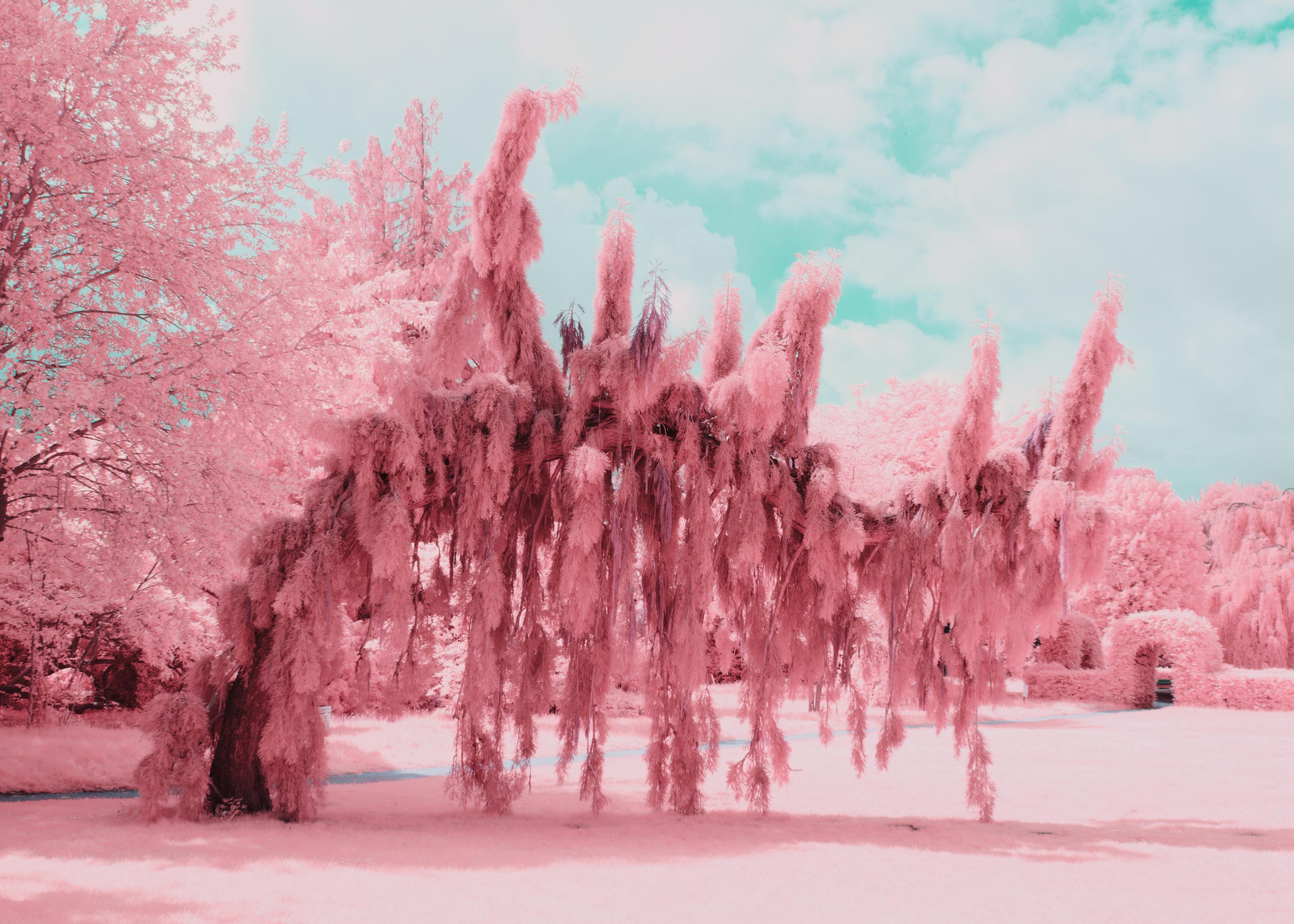
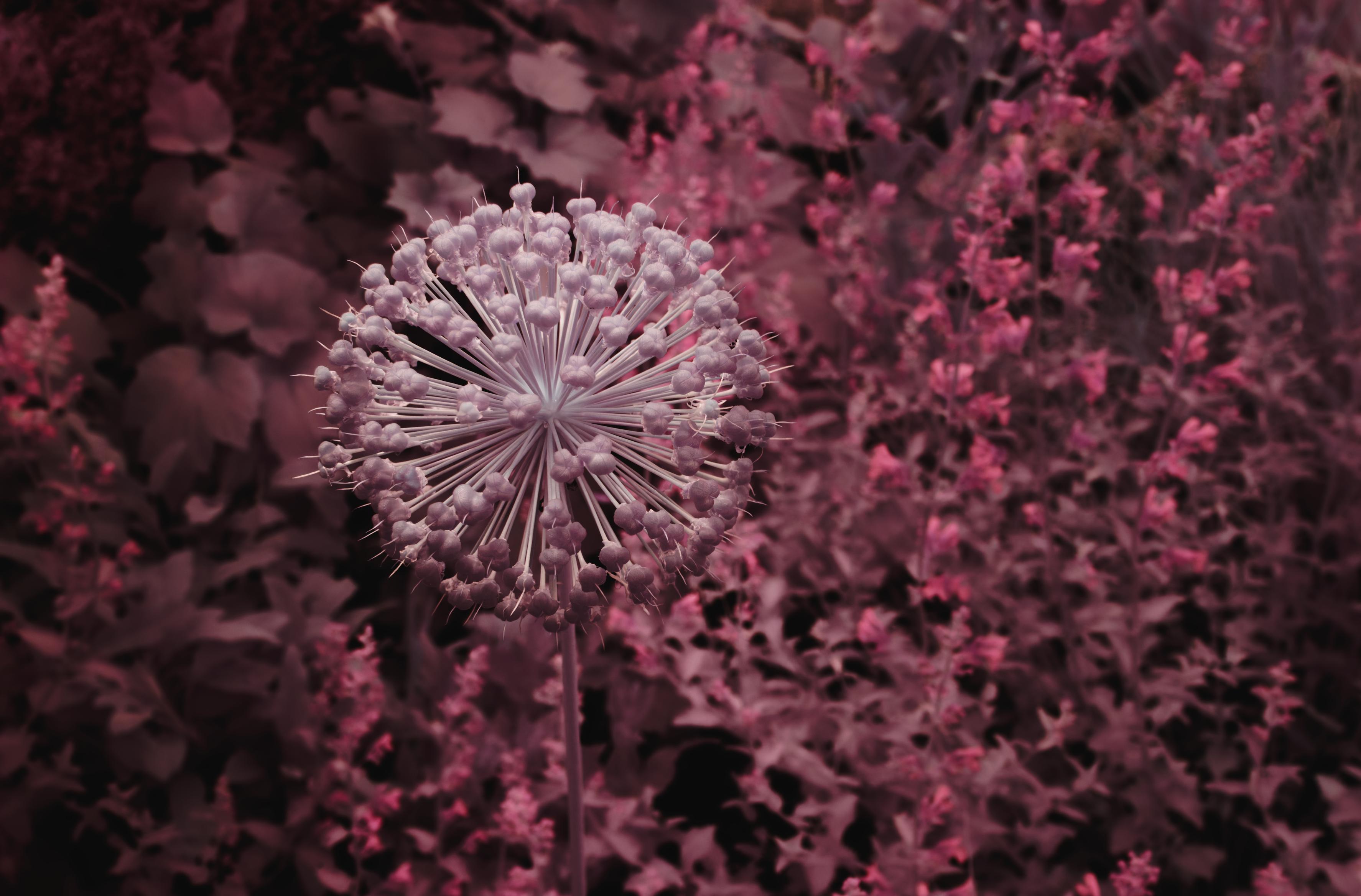
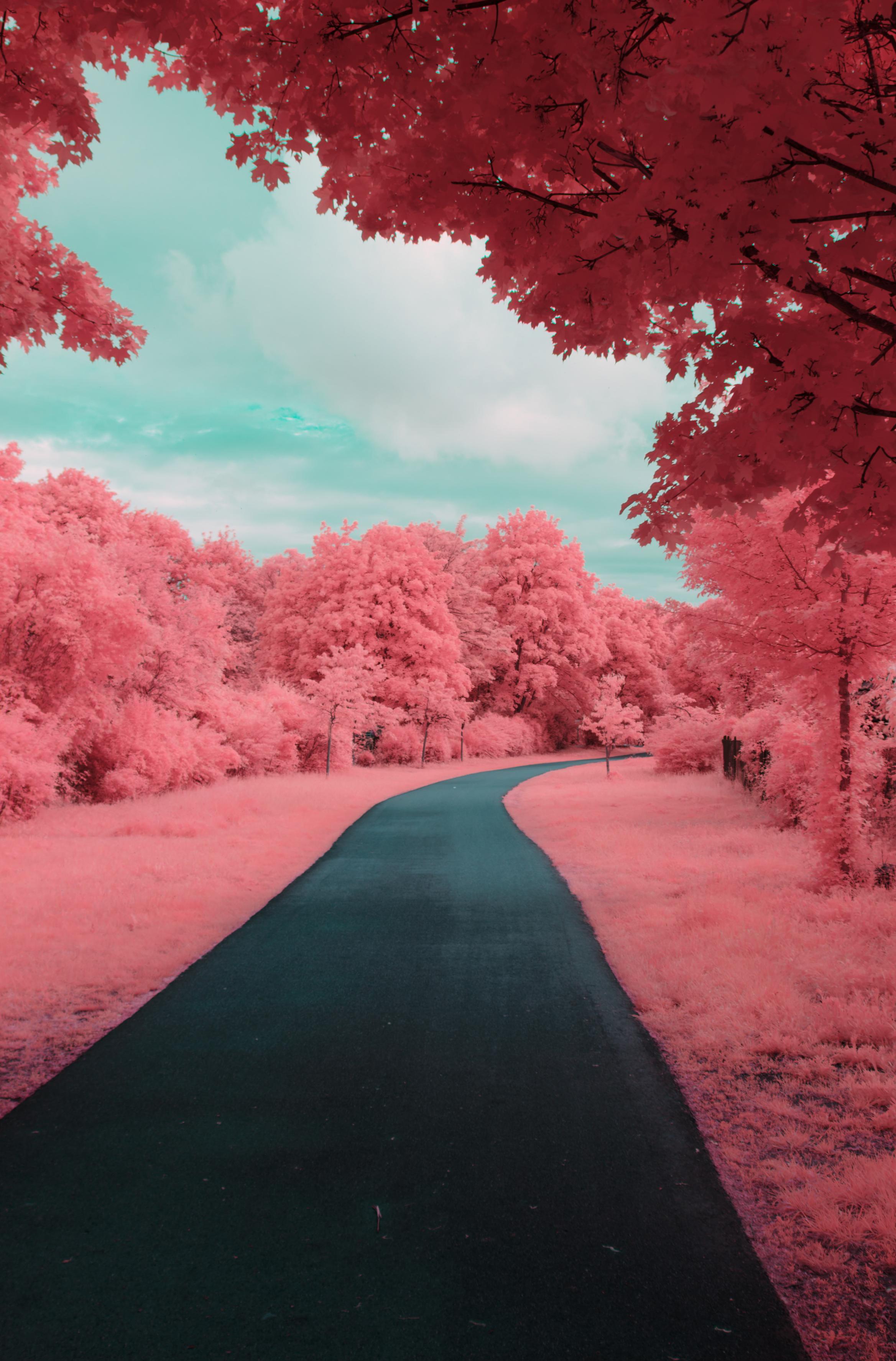
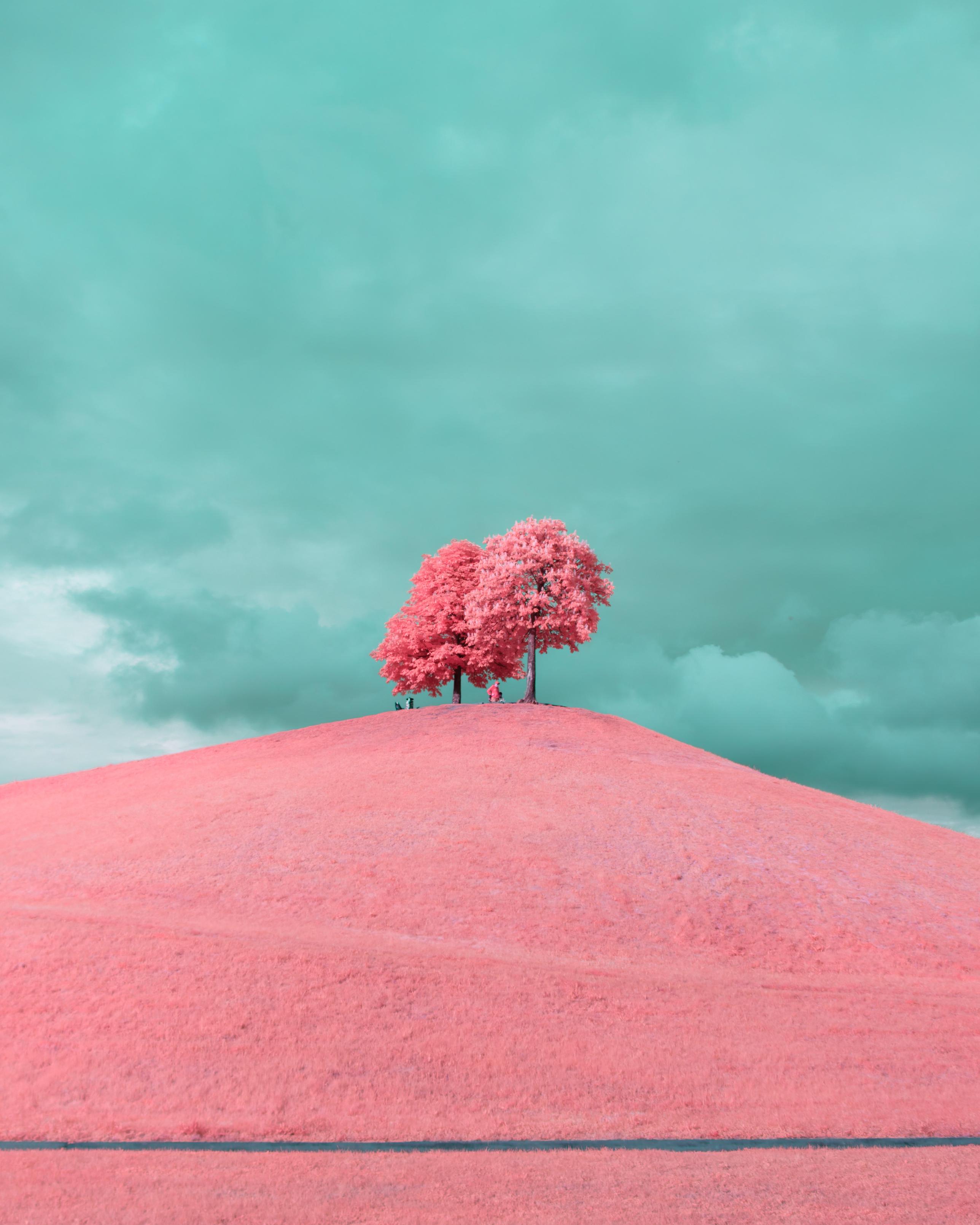
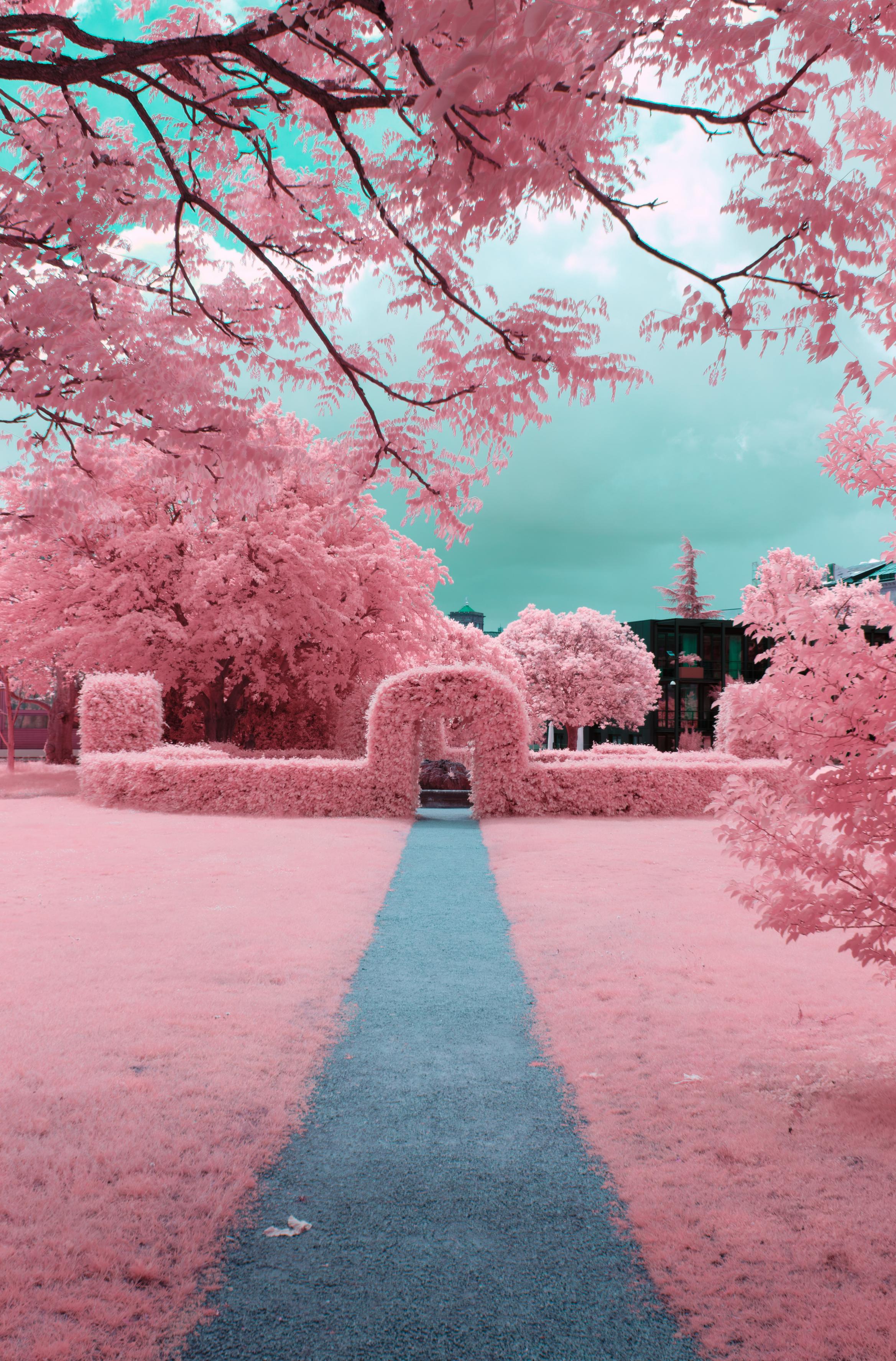
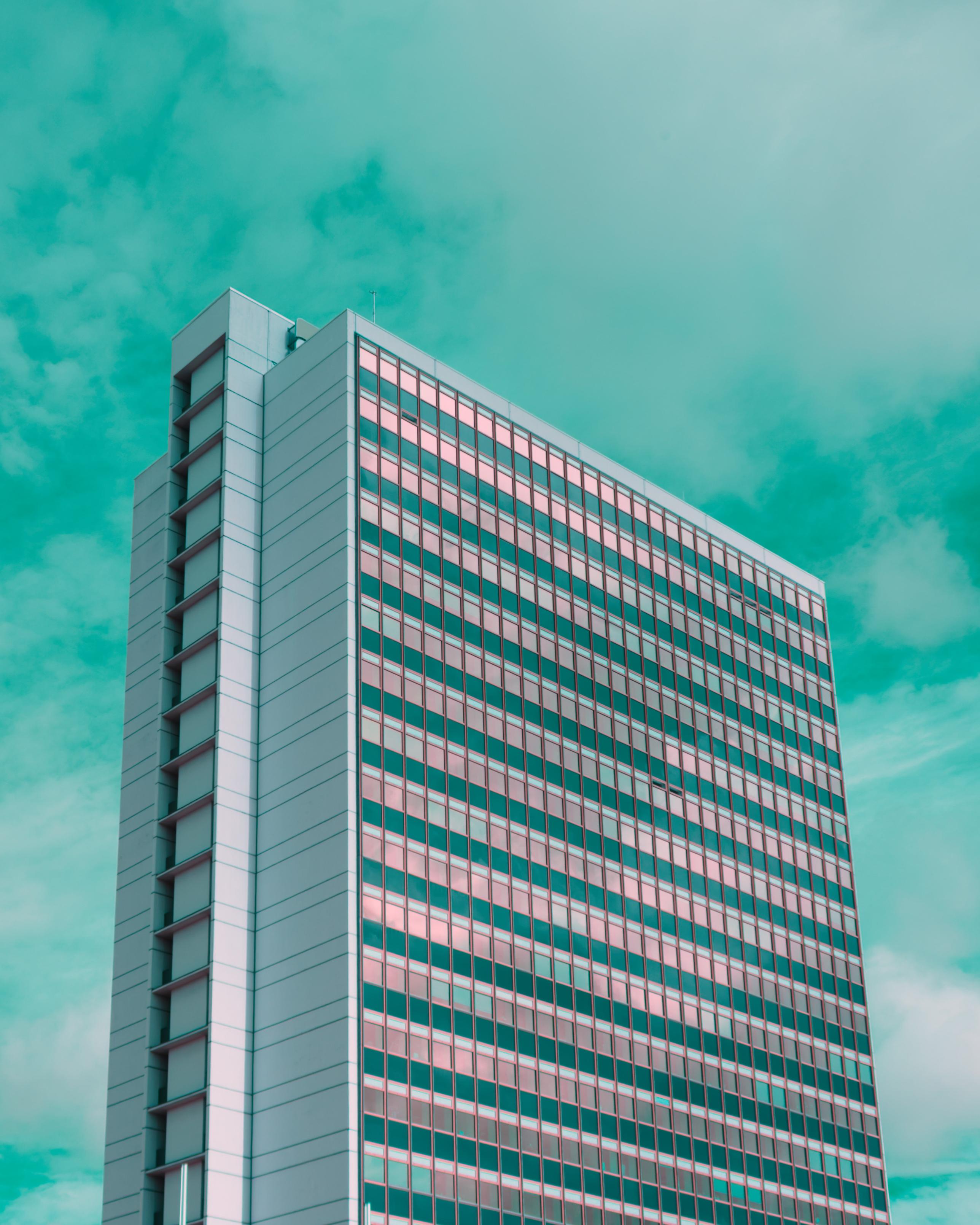
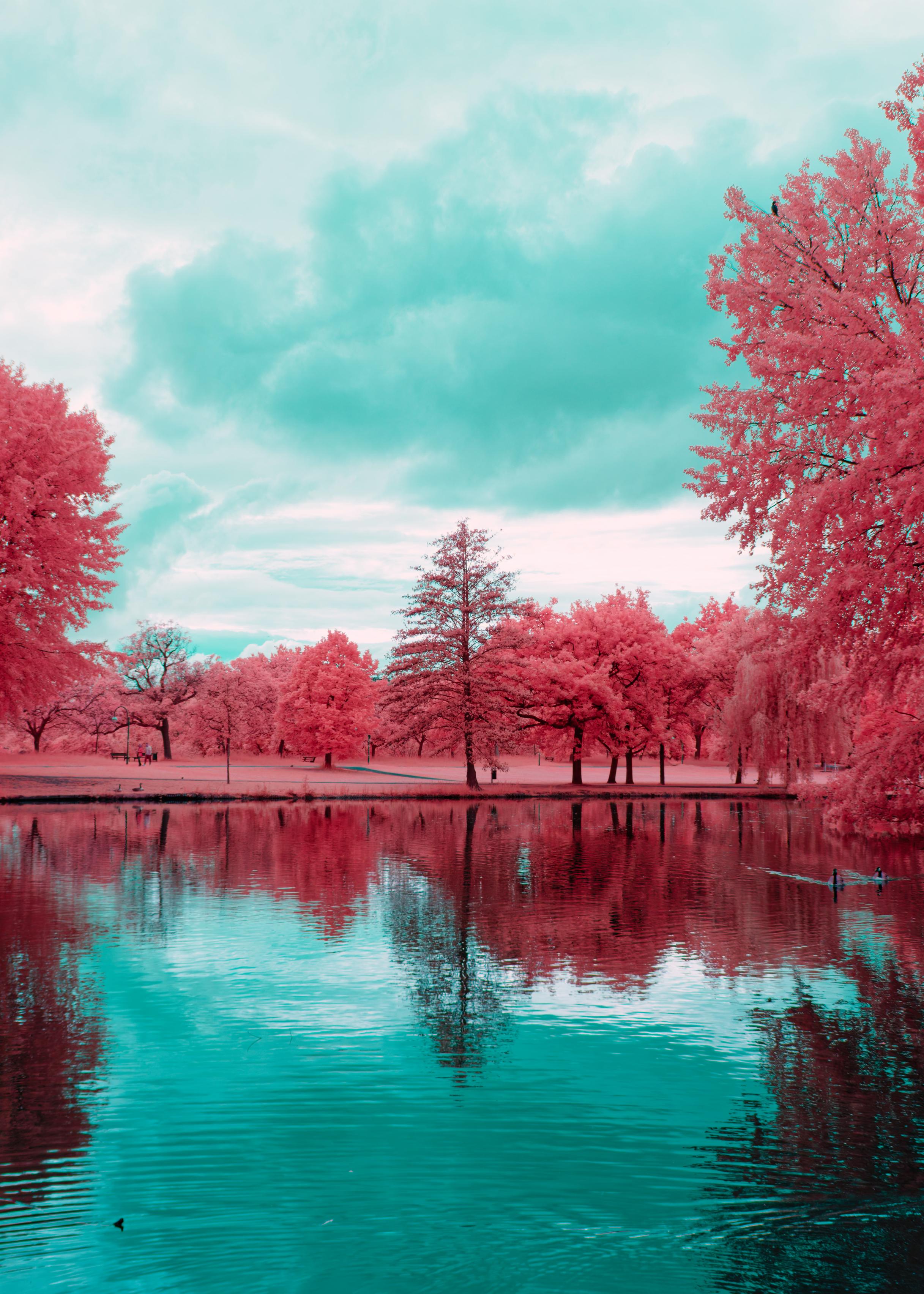
Building a composition can also be surprisingly different, not harder, nor easier, just different. Since we do not have a direct live view of how the image will look in the end, we still have to remap our channels on the computer, we can only guess how the composition will look. Generally plants will become either, pink, red or yellow, the sky turquoise to cornflower blue, clothes will be in an exciting range of red to orange, concrete will be dramatically darker, clouds will be dramatic and buildings will become just odd. Play around, I cannot tell you how to compose an image, you will be surprised what works and what wont.
Editing IR or full spectrum photos can be tedious at times and also very easy if you have worked out a process that works for you. I won't go into too much into detail here, I think it is very dependent on the software you use anyways and I don't have the means to detail the steps for 10 different softwares here, so I will try to convey the general workflows.
option a: strongly stylised aerochrome, not true to the filmstock
As already hinted to, to get the Aerochrome look, an in my opinion very pleasing look, we need to do some channel swapping. I don't typically swap all three channels though, but only the red and blue (IR) one, to get the pink foliage. This is something you can of course play with, there is also quite some theory and instructive material on this on the internet: JW Wong, Flickr, IRreCams, photographylife
My basic workflow is as follows (a bit more convoluted, because DxO cannot do a channel swap):
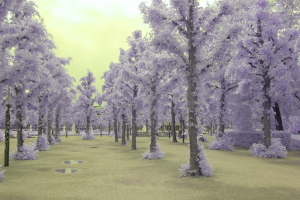
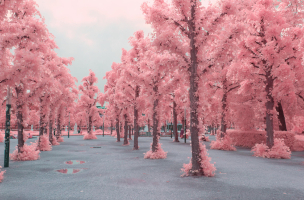
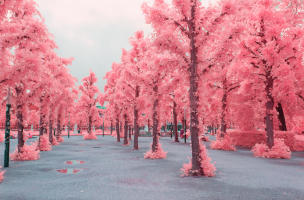
This gives me a good starting point on having a bunch of ready to edit, crop, compose, etc photos on my computer.
[* 1] single file magick input -separate -swap 0,2 -combine output
[* 1] batch processing for FILE in *.tif; do magick $FILE -separate -swap 0,2 -combine -set filename:base "%[basename]" "../%[filename:base]R.tif"; done
option b: weakly stylised aerochrome, a more natural look
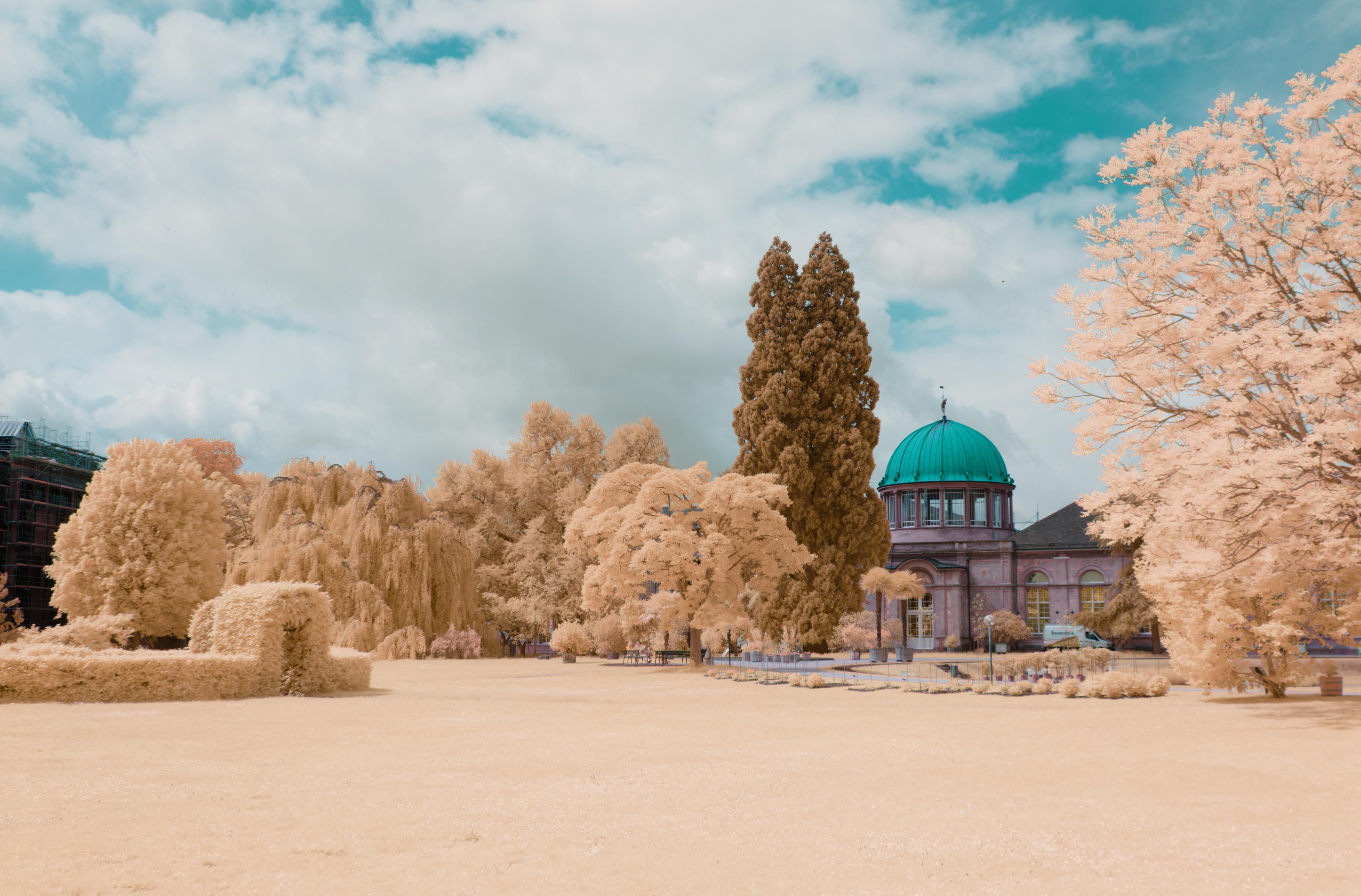
When writing the earlier section I didn't play with a full channel swap yet, having made up for that by doing a full channel swap as suggested by JW Wong on Flickr, remapping blue (IR) to red, red to green and green to blue [* 2], I am surprised that this creates a very pleasant and natural look to the IR photos. It is also more true to how the colours in actual Aerochrome film are swapped.
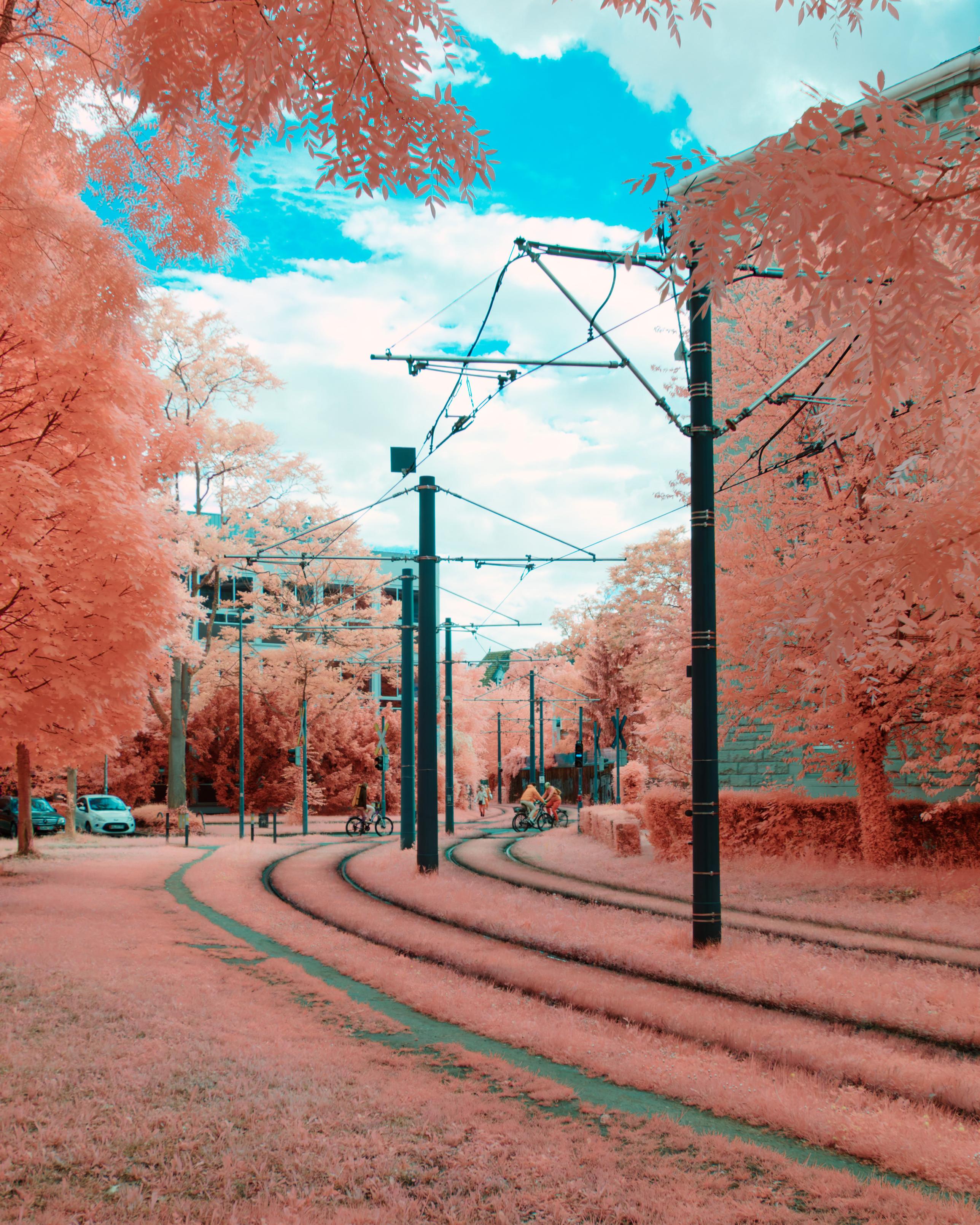
While the overall vibrancy and especially the weight in pink colour is much lower, it is not as pushy, I like this look. It's pleasant.
You can also again hue shift the photo a bit to get some more yellow foliage or a stronger pink, however this time, the shift needed is much lower and does not change the blue in the sky much.
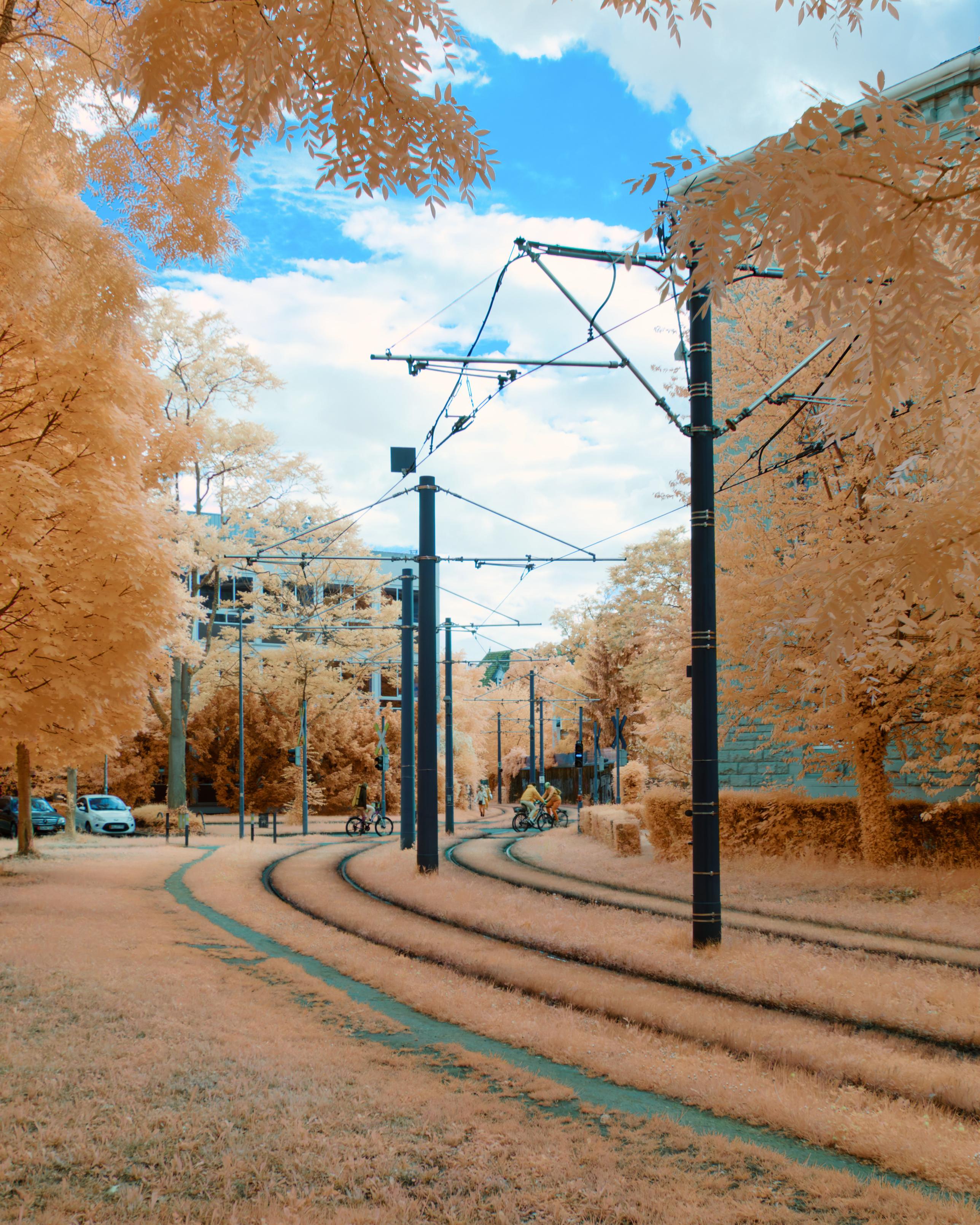
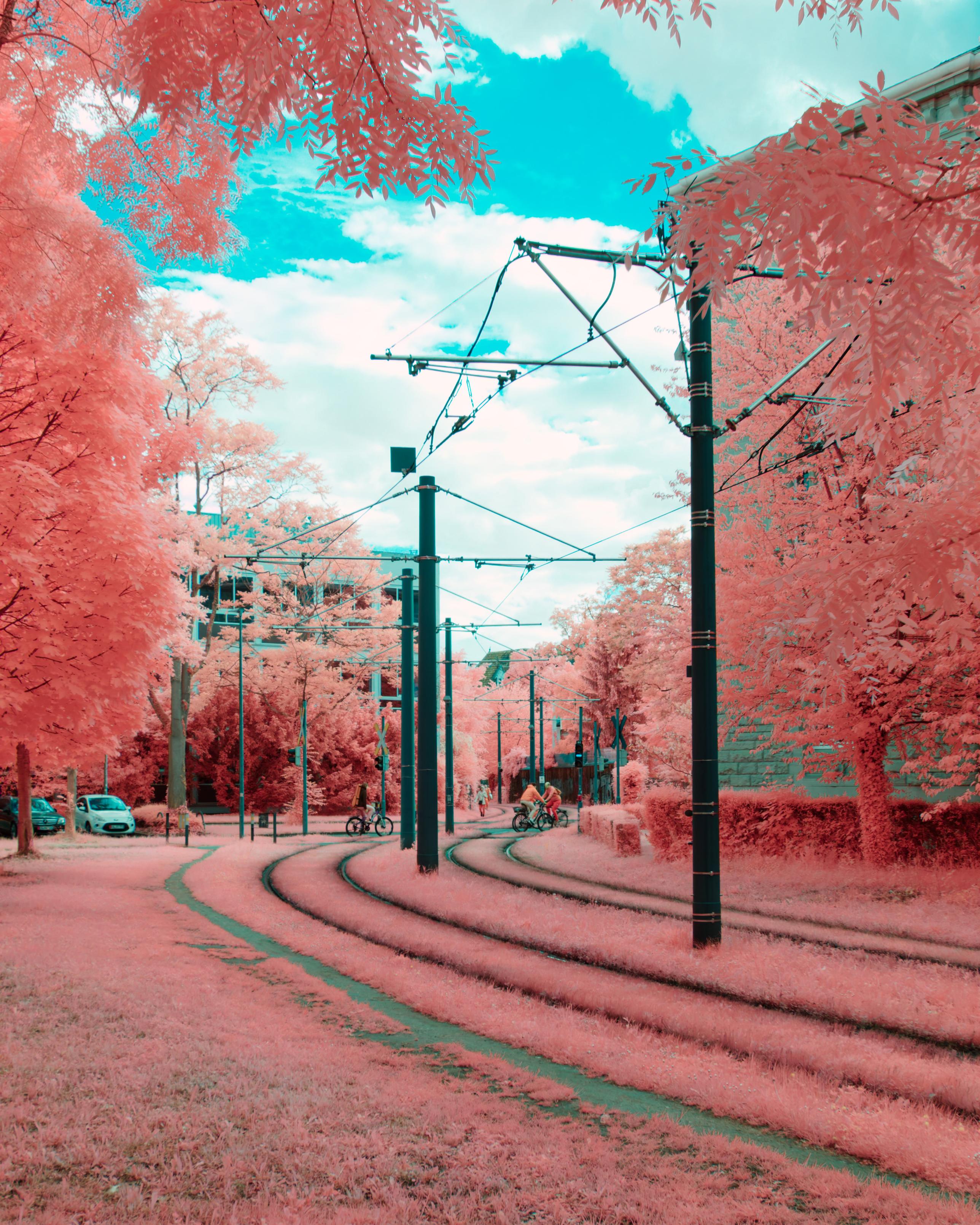
For this look I ran:
[* 2] single file magick input -color-matrix ' 0 0 1 1 0 0 0 1 0 ' output
[* 2] batch processing for FILE in *.tif; do exiftool -ifd1:all= -m $FILE && magick $FILE -color-matrix ' 0 0 1 1 0 0 0 1 0 ' -set filename:base "%[basename]" "../%[filename:base]FR.tif"; done
Note that I have to also run exiftool -ifd1:all= -m $FILE before doing the matrix multiplication, I am not sure why this is, but imagemagick otherwise will just work on the thumbnail, discarding all other image data.
You could now go even further and implement JW Wongs suggestion of removing the IR from the other two colour channels as described here. I didn't have much luck with that yet, but I will keep experimenting.
My full spectrum camera is also able to capture UV photos, this writeup is purely about IR, UV is being cut off with the IR filter used. Maybe I will do a UV-photography writeup as well once I ventured there.
Jana M. Hemsing - 2026-05-14 - blog @ janamarie . dev